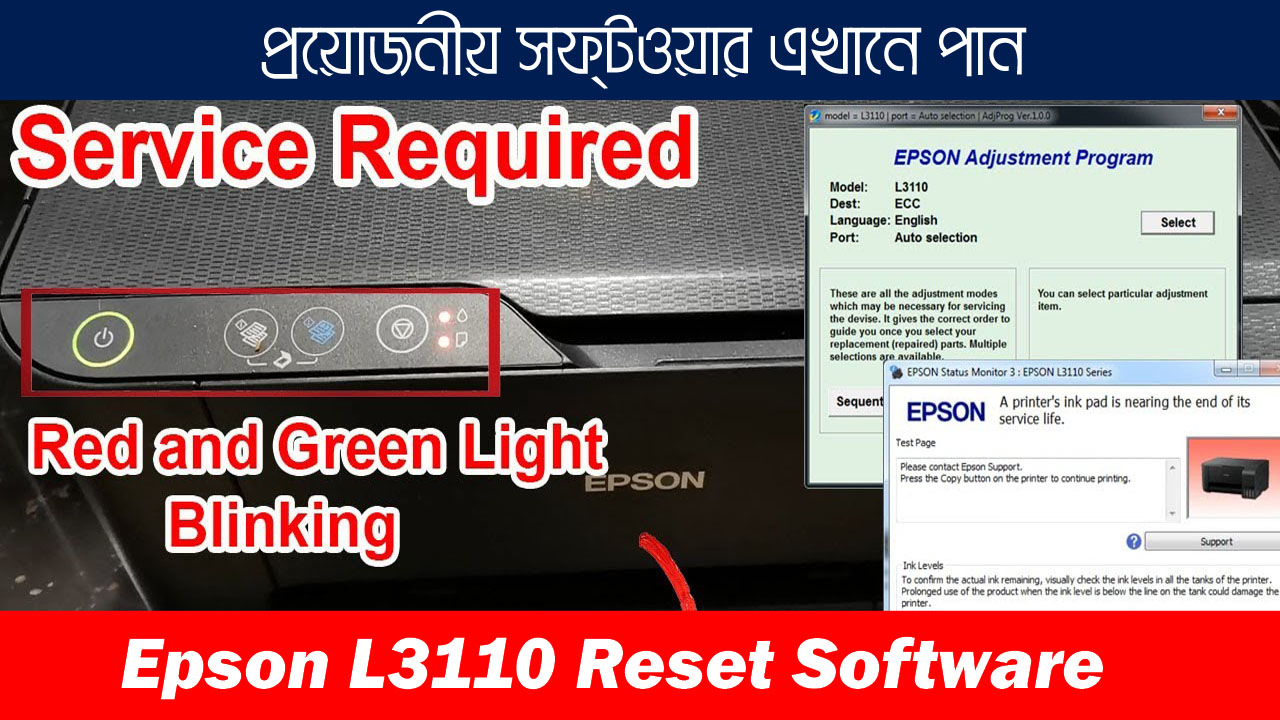
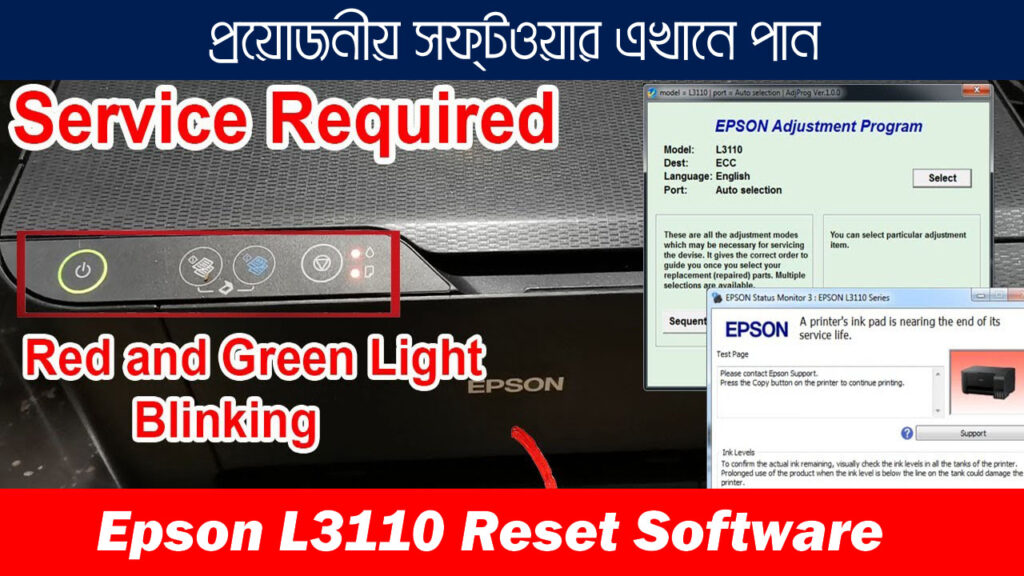
If your Epson L3110 printer suddenly stops printing and shows the message “Service Required” or “Ink Pad Counter is Full”, don’t worry. This is a very common issue with Epson printers.
The good news is that you can easily fix this problem using the Epson L3110 Resetter Tool. This small utility resets the internal ink pad counter and allows your printer to work normally again.
In this guide, you will learn how to download the Epson L3110 resetter tool and reset your printer step-by-step.
What is Epson L3110 Resetter Tool?
The Epson L3110 Resetter Tool is a special software utility designed to reset the waste ink pad counter inside Epson printers.
Every Epson printer keeps track of ink used during cleaning cycles. Once the counter reaches its limit, the printer stops working to prevent ink overflow.
Using the resetter tool will:
- Reset the ink pad counter
- Remove the service required error
- Allow the printer to print again
Epson L3110 Resetter Tool Information
Software Name: Epson L3110 Resetter Tool
Printer Model: Epson L3110
File Size: 850KB
Compatibility: Windows 7 / 8 / 10 / 11
Category: Printer Maintenance Tool
Last Updated: 2026
Download Epson L3110 Resetter Tool
You can download the latest Epson L3110 resetter tool from the link below.
Make sure to extract the ZIP file before using the software.
কেন আমাদের Epson L3110 Resetter ব্যবহার করবেন?
আমরা যেসব সফ্টওয়্যার দেই সেগুলো আগে নিজেরাই টেস্ট করি, যাতে আপনার কাজ করতে কোন সমস্যা না হয়। বাজারে ফ্রি সফ্টওয়্যার নামেই অনেক ভাইরাস বা কাজ না করা প্রোগ্রাম থাকে, কিন্তু আমাদের রিসেটার 100% ওয়ার্কিং এবং আপডেটেড। পাশাপাশি আপনি চাইলে WhatsApp, কল বা Anydesk/Ultraviewer রিমোট সাপোর্টে আমাদের মাধ্যমে সরাসরি কাজও করিয়ে নিতে পারবেন। তাই নিরাপদ, Instant এবং Trusted solution চান?—তাহলে আমাদের রিসেটারই বেস্ট চয়েস।
Software Price: মাত্র 150 টাকা
বিকাশ/নগদ পারসোনাল: 01861624848
পেমেন্ট করে Password সংগ্রহ করুন।
যেকোনো সমস্যায় তাৎক্ষণিক সাপোর্ট
WhatsApp: 01861624848
আমরা চাইলে সরাসরি কল বা Anydesk/Ultraviewer রিমোট কন্ট্রোল দিয়ে আপনার পুরো রিসেট কাজ করে দিতে পারবো। দ্রুত ও ঝামেলামুক্ত সার্ভিসের নিশ্চয়তা।
How to Reset Epson L3110 Printer (Step-by-Step)
Follow these steps carefully to reset your Epson printer.
Step 1
Download and extract the resetter tool.

Step 2
Open the extracted folder.

Step 3
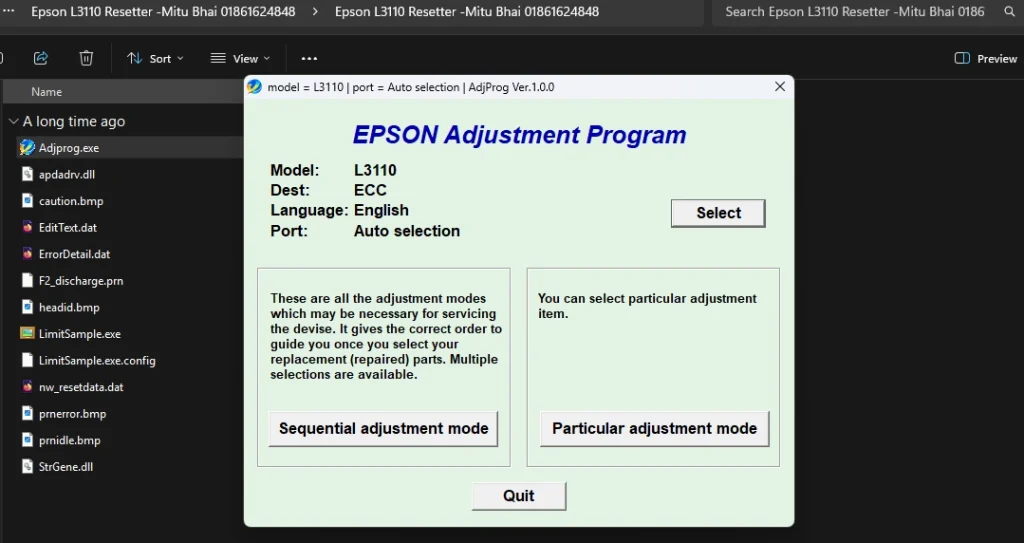
Run the file named AdjProg.exe.
Step 4
Click Select and choose your printer model.

Step 5
Click Particular Adjustment Mode.

Step 6
Select Waste Ink Pad Counter.

Step 7
Tick Main Pad Counter.

Step 8
Click Check then click Initialize.

Step 9
Turn off your printer and turn it on again.
Your Epson L3110 printer should now be reset successfully.
Common Epson L3110 Printer Errors
The resetter tool can fix the following issues:
- Service Required Error
- Ink Pad Counter Overflow
- Printer Red Light Blinking
- Waste Ink Pad Full Error
FAQ – Epson L3110 Resetter Tool
❓ What is Epson L3110 Resetter Tool?
The Epson L3110 resetter tool is a utility software used to reset the waste ink pad counter in Epson printers. When the counter reaches its limit, the printer stops working and shows a service required error. The resetter tool helps restore the printer to normal operation.
❓ Why does Epson L3110 show “Service Required” error?
The service required message appears when the printer’s internal ink pad counter becomes full. Epson printers stop printing to prevent ink overflow. Resetting the counter using the resetter tool fixes this problem.
❓ Is Epson L3110 Resetter Tool safe to use?
Yes, the resetter tool is safe when downloaded from a trusted source. It only resets the internal counter of the printer and does not damage the device.
❓ Does the resetter tool work on Windows 11?
Yes, the Epson L3110 reset utility works on Windows 7, Windows 8, Windows 10, and Windows 11.
❓ How long does it take to reset Epson L3110?
The reset process usually takes less than 2 minutes. After resetting, you only need to restart the printer to apply the changes.
❓ Can I reset Epson L3110 without software?
No. To reset the ink pad counter, you must use a resetter tool or Epson service utility. Manual reset without software is not possible.
Important Tips
Before using the resetter tool:
- Disable antivirus temporarily if it blocks the file
- Always run the tool as Administrator
- Make sure your printer is connected via USB
Final Words
The Epson L3110 Resetter Tool is the easiest way to fix the ink pad counter error and restore your printer functionality.
By following the steps above, you can quickly reset your Epson printer and continue printing without any issues.
Related Posts:
You can also check these helpful guides: