
Introduction
Windows 11 Pro 25H2 (Build 26200.7840) is one of the latest updates focused on improving performance, security, and overall user experience. Designed for professionals, developers, and business environments, this build refines the modern Windows interface while strengthening system reliability.
If you’re considering upgrading or performing a clean installation, this guide explains everything in clear and practical terms — from features to system requirements and official download steps.
What’s Actually Improved in 25H2?
Instead of dramatic visual changes, this update focuses on refinement. That’s a good thing.
🔹 Better Performance in Daily Use
In real-world usage, system responsiveness feels smoother. Apps open faster, background processes are better managed, and overall multitasking is more stable — especially on SSD-based systems.
Boot time improvements are noticeable on modern hardware, and RAM usage feels more optimized compared to earlier builds.
🔹 Security Improvements That Matter
Security is where Windows 11 Pro stands out.
This build strengthens:
BitLocker encryption performance
Smart App Control reliability
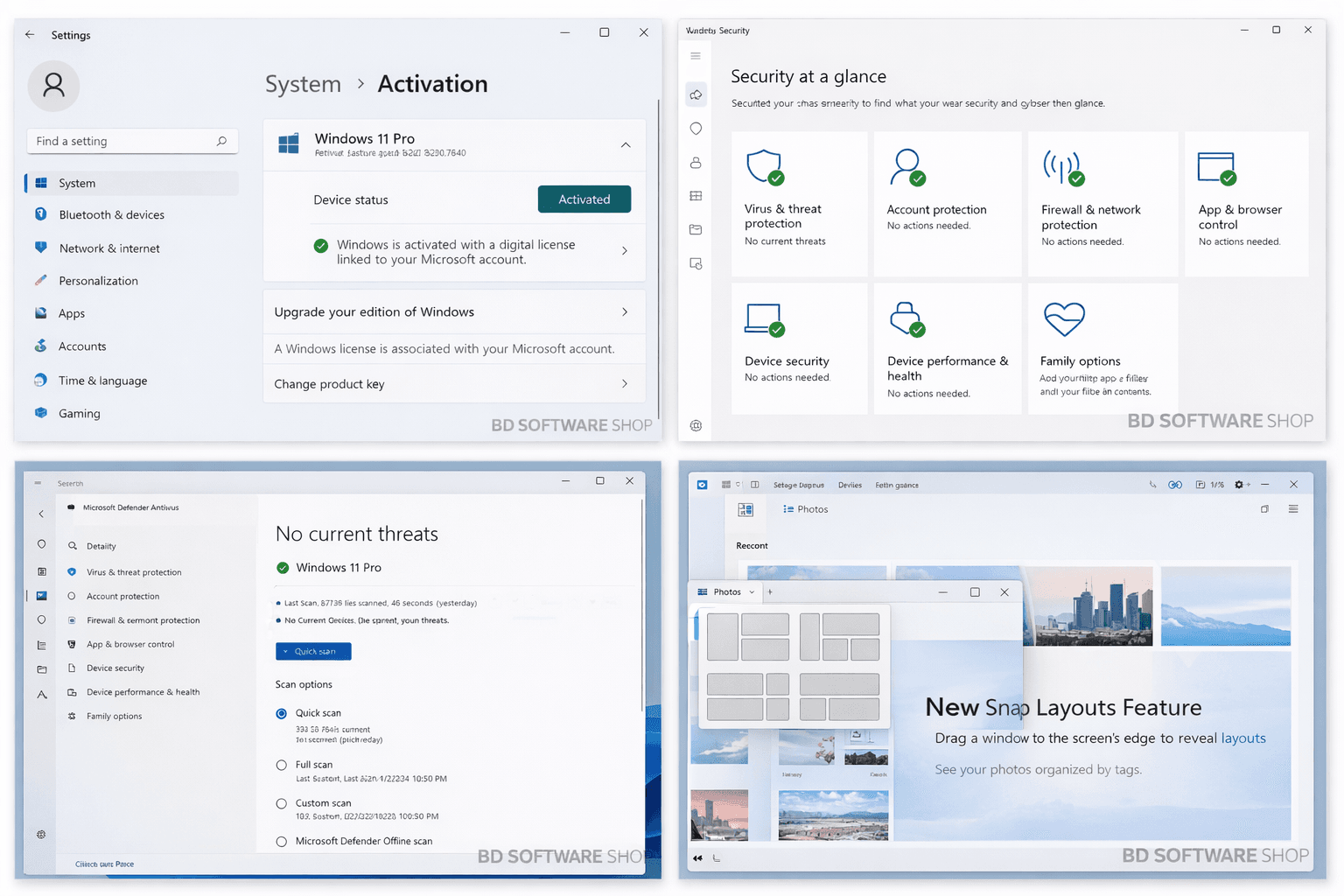
Microsoft Defender threat detection
Phishing and exploit protection layers
For business users handling sensitive files, these updates add meaningful protection without affecting speed.

🔹 Productivity & Workflow Enhancements
Windows 11 Pro continues to improve multitasking features:
Snap Layouts are smoother and easier to manage
Virtual Desktops switch more seamlessly
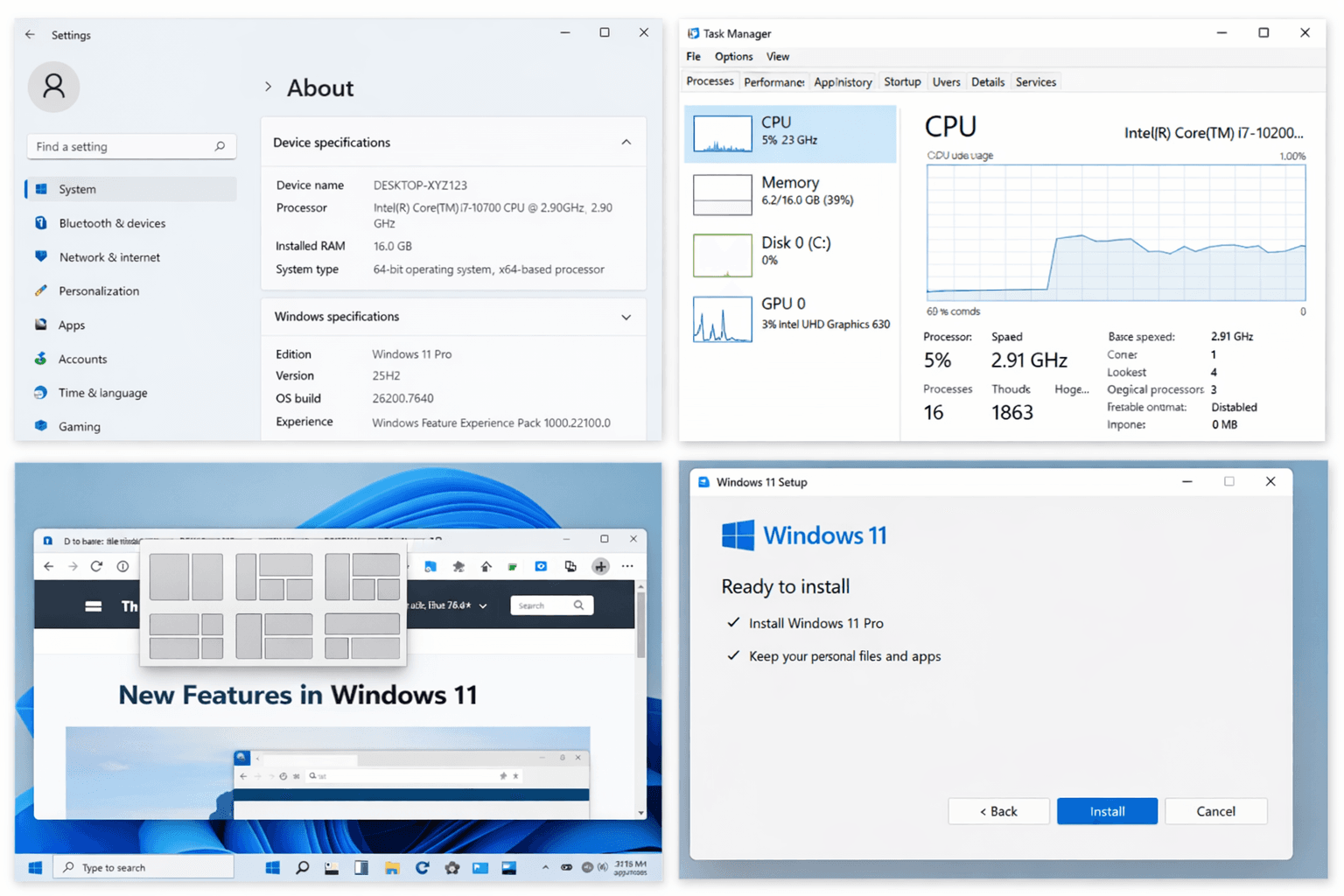
Task Manager provides clearer performance insights
AI-powered search improvements enhance file discovery
For professionals juggling multiple applications, these small refinements make a noticeable difference.
Windows 11 Pro vs Home – Is Pro Worth It?
If you’re a casual home user, Windows 11 Home may be enough.
But for professionals, Windows 11 Pro offers:
BitLocker encryption
Remote Desktop access
Group Policy Management
Business domain join
Advanced security configuration
For remote workers, IT administrators, and small businesses, Pro is simply more flexible.
Real-World Stability
One of the strongest improvements in this build is stability.
During extended usage:
System crashes are rare
Updates install more smoothly
Power management feels more efficient
Driver compatibility has improved
For productivity-focused users, stability is more important than flashy features — and 25H2 delivers that.
System Requirements (Official)
Before downloading Windows 11 Pro 25H2, make sure your device meets these requirements:
64-bit processor, 1 GHz or faster (2+ cores)
4 GB RAM minimum (8 GB recommended)
64 GB storage or higher
UEFI firmware with Secure Boot
TPM 2.0 support
DirectX 12 compatible graphics
720p display or higher
Modern hardware ensures the best experience and full security compliance.
How to Download Windows 11 Pro 25H2
To install safely:
Visit the official Microsoft website.
Use the Windows 11 Installation Assistant or download the ISO file.
Backup important files before upgrading.
Check hardware compatibility.
Install using a genuine product license.
Update drivers after installation.
Downloading from official sources protects your system from malware and compatibility issues. Copilot+ in Windows 11: The AI-Powered Revolution for PCs
Who Should Upgrade?
Windows 11 Pro 25H2 is ideal for:
Business professionals
Developers
IT administrators
Freelancers
Remote teams
Content creators
If you rely on your computer daily for work, upgrading to the latest stable build ensures better performance and security.
Frequently Asked Questions
Is Windows 11 Pro 25H2 stable for business use?
Yes. This build focuses heavily on security patches and system refinement, making it suitable for professional environments.
Can I upgrade from Windows 10 Pro?
Eligible systems can upgrade through official Microsoft upgrade paths.
Does Windows 11 require TPM?
Yes. TPM 2.0 is officially required for installation and security compliance.
Final Thoughts
Windows 11 Pro 25H2 (Build 26200.7840) is not about flashy redesigns. It’s about refinement, stability, and security improvements that matter in real-world use.
For professionals and businesses, these incremental updates help create a more reliable working environment. Always download through official sources and use properly licensed software to ensure long-term security and updates.