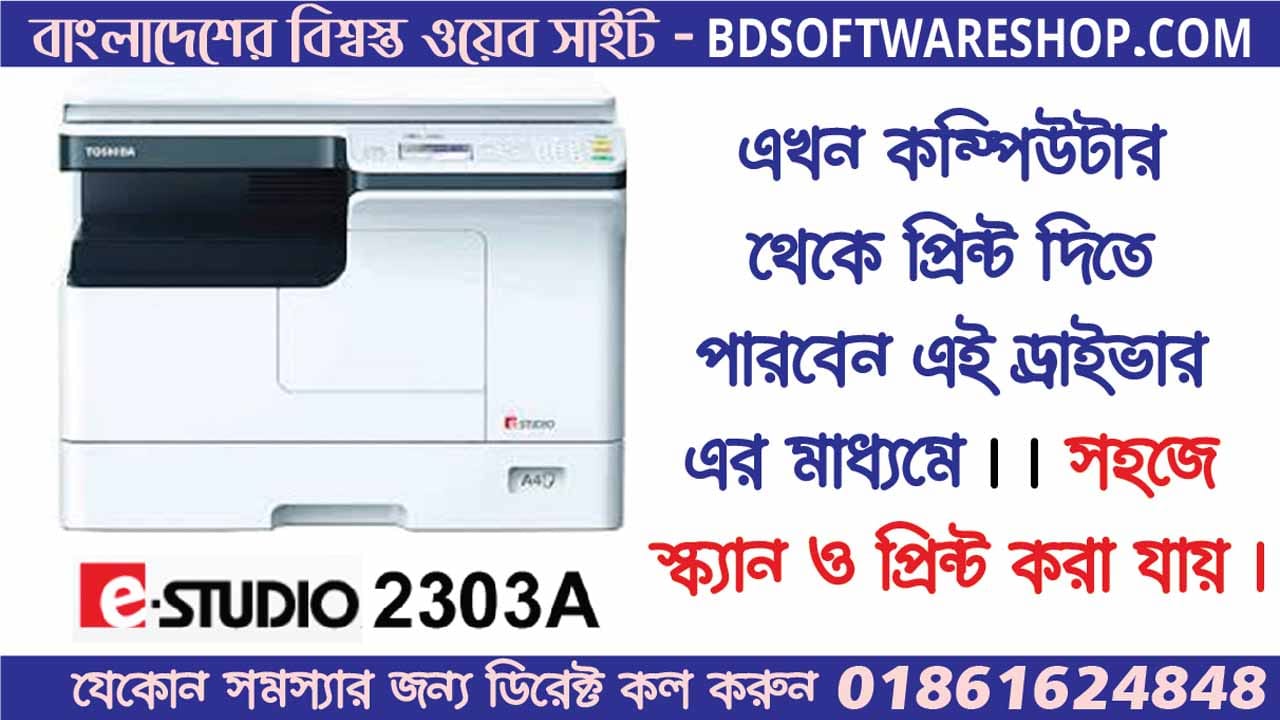

Toshiba e-STUDIO 2303A Printer Driver is the essential link between your computer. The Toshiba e-STUDIO 2303A multifunction printer, transforming a simple device into a powerful tool for all your document needs. Whether you’re printing, scanning, or copying, this driver ensures everything works seamlessly and efficiently.
এই ড্রাইভার দিয়ে আপনি কি কি কাজ গুলো করতে পারবেন ?
- কম্পিউটার থেকে সরাসরি প্রিন্ট ও স্ক্যান করতে পারবেন ।।
- আপনার ফটোকফির যে কোন কাজ কে আরো দ্রুতময় করতে পারবেন এই সফ্টওয়্যারটি দিয়ে।
- এই সফ্টওয়ারটি দিয়ে আপনি A4/LG/ A3/ LD অথাৎ পুরো স্ক্যানর টি দিয়ে আপনি কালার স্ক্যান করতে পারবেন।। এবং কম্পিউটার থেকে ডিরেক্ট প্রিন্ট করতে পারবেন সাদা কালো ।।
Toshiba e-STUDIO 2303a Photocopier Scanner And Printer Driver Software
- Effortless Printing: With the right driver installed, you can send documents to print with just a click, ensuring crisp, clear results every time.
- High-Quality Scanning: Need to digitize documents? The driver unlocks the full potential of your printer’s scanning capabilities, allowing you to save high-resolution files directly to your computer.
- Smart Copying: Manage your copying tasks with ease, adjusting settings from your computer to get the perfect copy every time.
Benefits of Installing the Toshiba e-STUDIO 2303A Printer Driver:
- Seamless Compatibility: The driver ensures that your printer and computer speak the same language, avoiding any technical hiccups.
- Enhanced Performance: Experience the full range of features your printer offers, from fast printing speeds to detailed scanning options.
- Advanced Features: Access powerful functions printing, customized print settings, and more, all made possible by the correct driver.
Easy Installation:
Getting started is simple. Download the Toshiba e-STUDIO 2303A Printer Driver from the bdsoftwareshop.com website or other trusted sources, install it, and watch your printer come to life with enhanced capabilities. Whether you’re in a busy office or working from home, this driver is your gateway to a more productive and efficient workflow.
সফটওয়্যারটি 100% কাজ করবে কারণ এটি টেস্ট করে তারপর আপলোড করা হয়েছে ।
#File information
- File Name: Toshiba_eStudio2303a.exe
- File Format: zip
- File Size: 255 MB
- Price: 150 BDT
#How to Payment For This File
- Payment Gateway: Bkash / Nagad
- Account Number: 01861624848
- Payment Option: Send Money / Cash In
 255MB
2 Download Link
255MB
2 Download Link
File Password: পাসওয়ার্ডটির জন্য অবশ্যই আপনাকে প্রথমে পেমেন্ট করতে হবে তারপর আমাদেরকে কল দিতে হবে (Call- 01861624848)
#How to Install Toshiba eStudio 2303a
- উপরে দেওয়া লিঙ্ক থেকে প্রথমে সফটওয়্যারটি ডাউনলোড করুন
- Zip ফাইলটি Extract করুন Winrar কিংবা 7zip দিয়ে
- সরাসরি কম্পিউটারের সাথে প্রিন্টারে ক্যাবলটি সংযুক্ত করুন এবং প্রিন্টারটি চালু করুন
- Driver Folder থেকে Setup.exe ফাইলটি Install করুন
- ব্যাস হয়ে গেল প্রিন্ট করার জন্য এখন আপনার কম্পিউটার এবং প্রিন্টার উভয়ই রেডি
#Support Information
- ড্রাইভারটি যদি ইনস্টল দিতে কোন সমস্যা হয় তাহলে আমাদের সাথে যোগাযোগ করতে পারেন হোয়াটসঅ্যাপ কিংবা কলের মাধ্যমে।
- এছাড়াও আমরা Teamviewer, Anydesk কিংবা Ultraviewer এর মাধ্যমে সাপোর্ট দিয়ে থাকি যদি আপনি সফটওয়্যারটি ইন্সটল করতে ব্যর্থ হন।
- Call: +8801861624848 or +8801575080390
- Whatsapp Number: +8801861624848 or +8801575080390