Epson L360 Resetter Software Download: Unlock Full Printer Functionality
Introduction
The Epson L360 is a popular all-in-one printer known for its efficiency and reliability. However, over time, you might encounter errors like “Service Required” or blinking indicator lights that suggest your printer needs a reset. This is where the Epson L360 Resetter Software comes into play, allowing you to reset your printer’s waste ink pad counter and restore its full functionality. In this article, we’ll guide you through everything you need to know about the Epson L360 Resetter Software, including how to download and use it effectively.
Why You Need the Epson L360 Resetter Software
After extensive use, your Epson L360 may display an error message indicating that the ink pad is full. This message typically appears when the printer’s internal counter reaches a certain limit, signaling that the waste ink pads need attention. While this is a built-in mechanism to prevent ink overflow, it can halt your printing operations. The Epson L360 Resetter Software is designed to reset this counter, allowing you to continue using your printer without interruption.
Key Features of Epson L360 Resetter Software
- Reset Waste Ink Pad Counter: The primary function of the software is to reset the waste ink pad counter to zero, effectively extending the printer’s life.
- Simple and User-Friendly Interface: The software is straightforward to use, making it accessible even for those with limited technical skills.
- Quick Operation: The reset process is quick, usually taking just a few minutes to complete.
- Compatible with Windows: The Epson L360 Resetter Software is compatible with various Windows operating systems, including Windows 7, 8, 8.1, and 10.
How to Download Epson L360 Resetter Software
- Find a Trusted Source: Ensure you download the resetter software from a reputable source to avoid malware or corrupted files.
- Download the File: Click on the download link provided by the trusted source. The file will typically be in a compressed format like .zip or .rar.
- Extract the Files: Use extraction software such as WinRAR or 7-Zip to extract the contents of the downloaded file to a specific folder on your computer.
সফটওয়্যারটি 100% কাজ করবে কারণ এটি টেস্ট করে তারপর আপলোড করা হয়েছে
সফটওয়্যারটি ডাউনলোড করতে নিচের ডাউনলোড বাটন এ ক্লিক করুন

File information
- File Name: Epson L360 Resetter Software .zip
- File Format: zip
- File Size: 2 MB
- Price: 150 BDT
- File Password: এই ফাইলটি পাসওয়ার্ড দিয়ে সুরেক্ষিত অবস্থায় রয়েছে। পাসওয়ার্ডটির জন্য অবশ্যই আপনাকে প্রথমে পেমেন্ট করতে হবে তারপর আমাদেরকে কল দিতে হবে (Call- 01861624848)
How to Payment For This File
- Payment Gateway: Bkash / Nagad
- Account Number: 01861624848
- Payment Option: Send Money / Cash In
Step-by-Step Guide to Using the Epson L360 Resetter Software
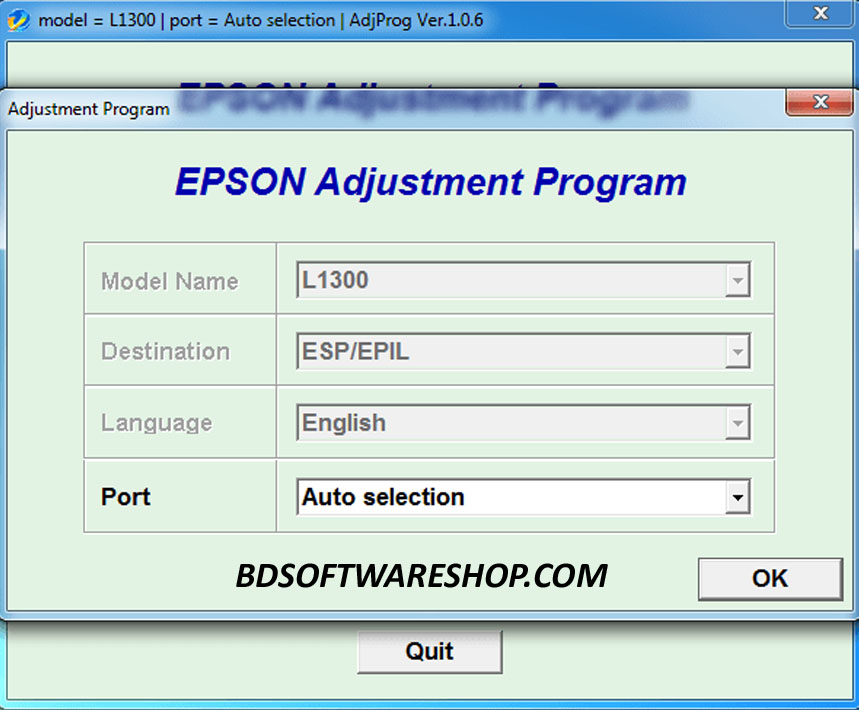
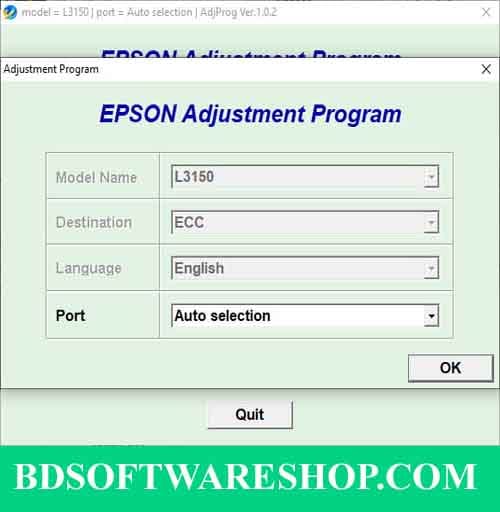
- Run the Program: Navigate to the folder where you extracted the files and run the program by double-clicking the
.exefile. - Select Your Printer Model: In the program interface, select “Epson L360” from the dropdown list.
- Click on “Particular Adjustment Mode”: This will allow you to access specific functions of the resetter software.
- Choose “Waste Ink Pad Counter”: Select this option and click “OK.”
- Check the Main Pad Counter: Tick the checkbox next to “Main Pad Counter” and click “Check” to see the current counter value.
- Reset the Counter: Click on the “Initialization” button to reset the counter. Once done, turn off your printer and then turn it back on.

Important Tips
- Regular Maintenance: Even after resetting, it’s essential to regularly check your printer’s waste ink pads and replace them if necessary to avoid potential damage.
- Backup Your Data: Before using the resetter software, make sure to back up any important documents or printer settings.
Epson L360 Adjustment Software
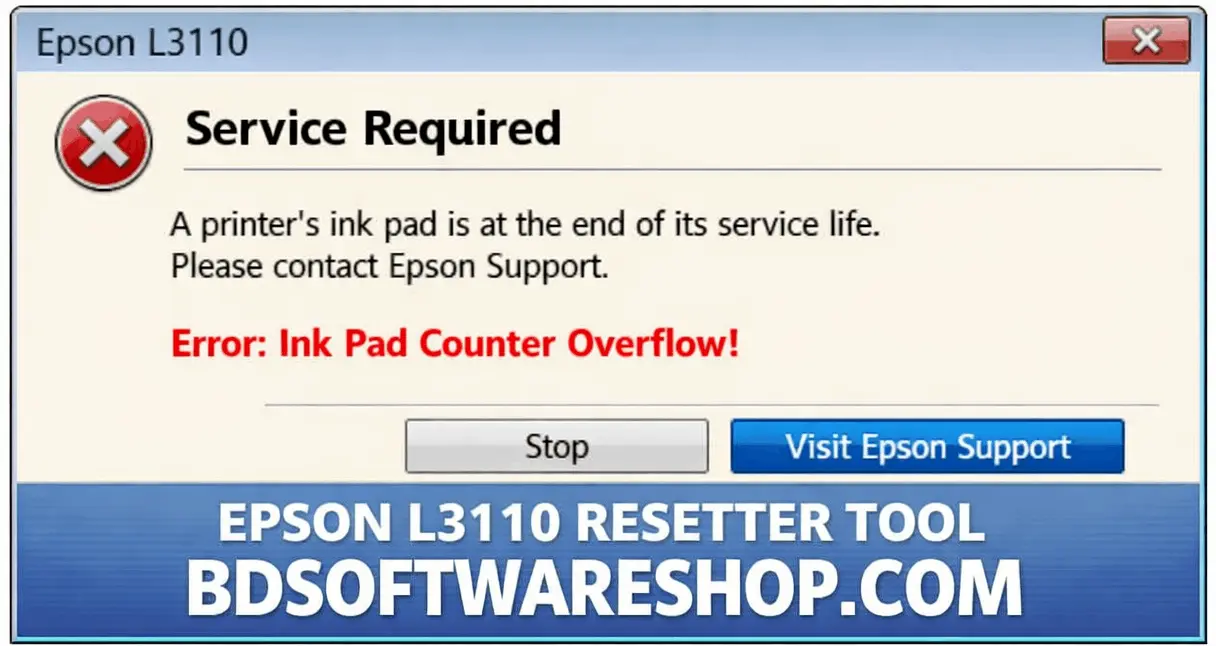
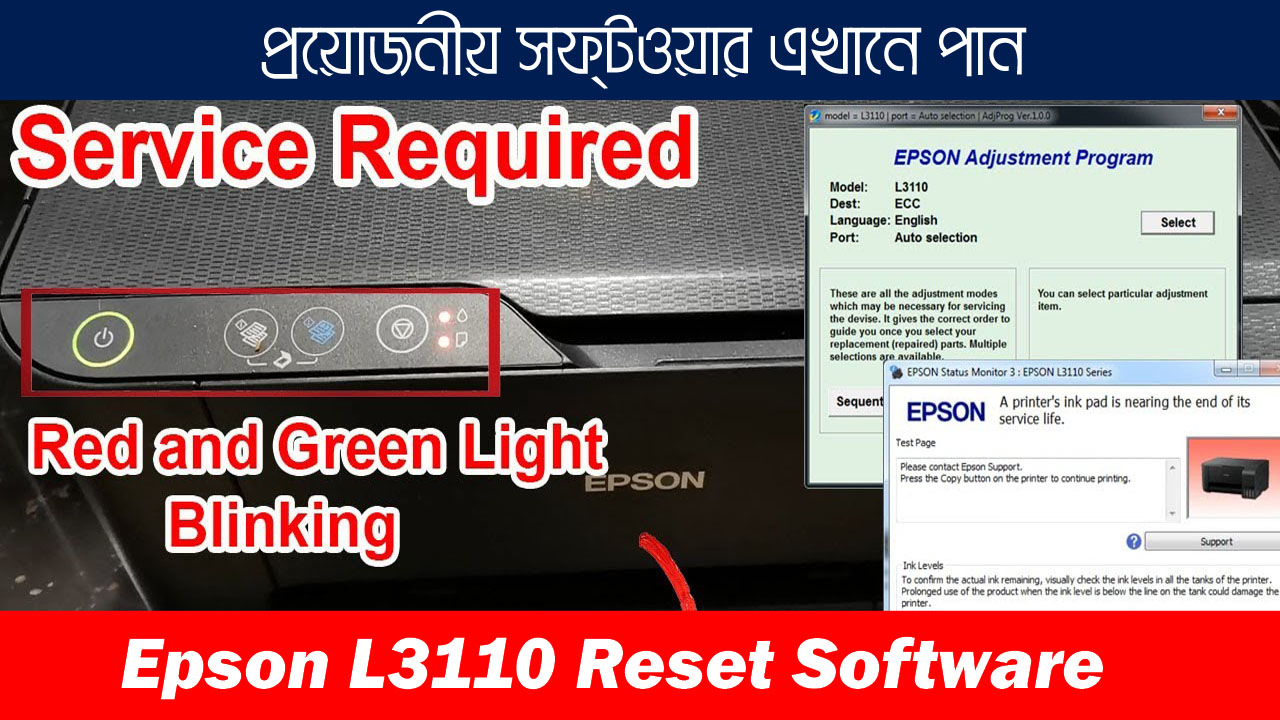
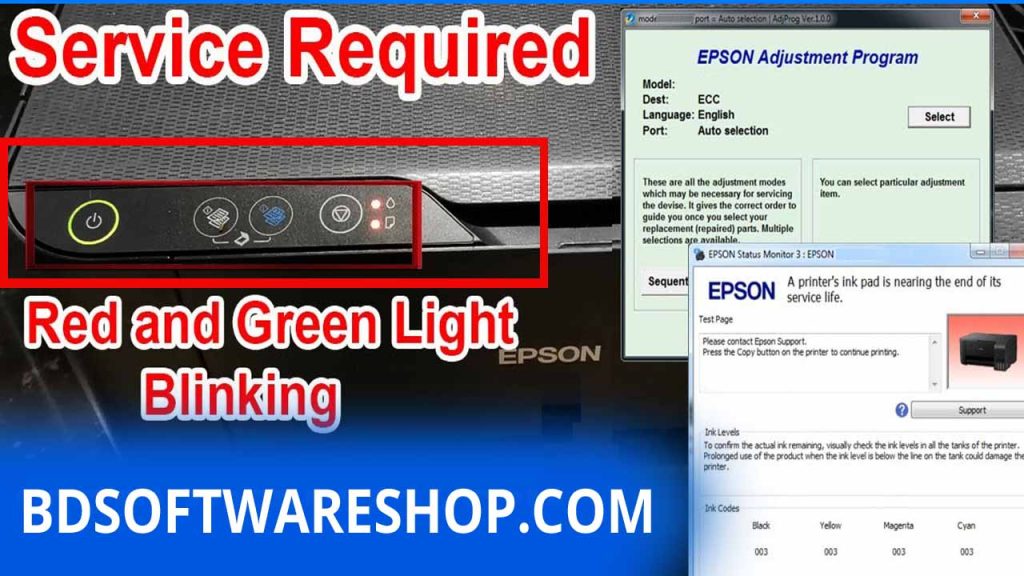
When using the Epson L360 printer, you might encounter various errors indicating that your printer requires a reset. A common issue is when the printer’s red LED lights blink alternately, while the green power LED continues to flash regularly. This issue is often accompanied by a computer error message stating “Service Required.”
Another typical error that can be resolved with the Epson L360 Adjustment Software is when the printer displays a message saying that the ink pad is at the “End of its Service Life.” This software tool can help you reset the printer and clear such errors. However, if the problem persists, it’s recommended to visit the nearest Epson Service Center for further assistance.
Reset Epson L360 printer with Epson adjustment program
Additionally, you may sometimes see a message indicating that your Epson L360 printer needs to be reset due to a paper jam. In such cases, the adjustment software can also be used to troubleshoot and resolve the issue.
Conclusion
The Epson L360 Resetter Software is an invaluable tool for anyone experiencing issues with their printer’s waste ink pad counter. By following the steps outlined in this guide, you can easily download, install, and use the software to reset your printer and extend its operational life. Always ensure that you download the software from a reliable source to keep your printer running smoothly and efficiently.
Download the Epson L360 Resetter Software today and keep your printer in top condition!