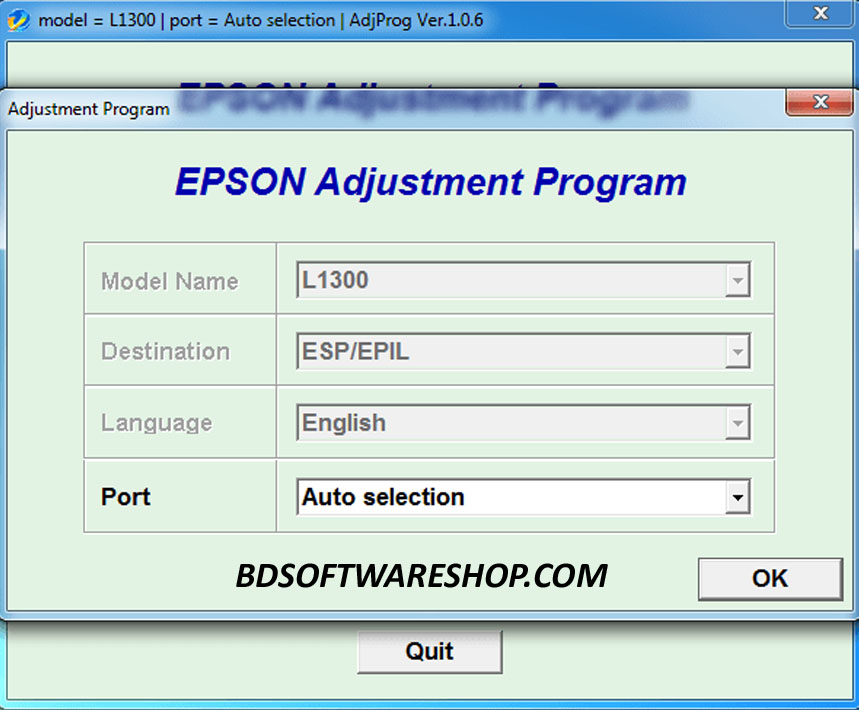
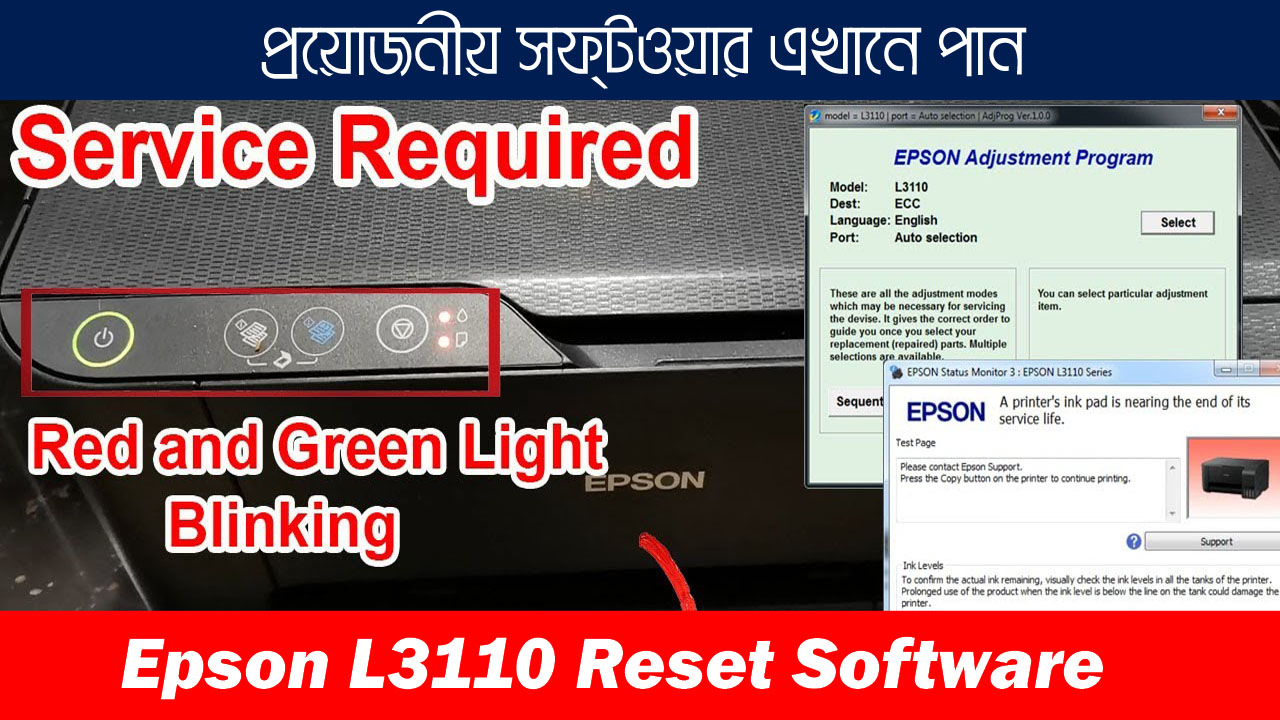
Epson SX235 Adjustment Program – 100% Working Resetter Software Download
Fix “Service Required” Error, Clear Waste Ink Pads & Restore Your Printer in Minutes
Looking for a quick way to reset your Epson SX235 printer? This Epson SX235 Adjustment Program (ECC) is the official service tool used by technicians to:
- Clear waste ink pad counters
- Fix “Service Required” and blinking light errors
- Restore full printing performance
No more costly service center visits – reset your printer at home instantly!

🔹 Why This Software?
✅ 100% Working & Tested
✅ Secure Download – Password Protected
✅ Lifetime Use on Supported Models
✅ Fast & Easy Setup – No Technical Skills Needed
✅ Full WhatsApp Support After Purchase
🖨 Compatible Model
- Epson SX235
Functions include:
- Maintenance Pad Counter Reset
- FL Box Counter Reset
- Power Cleaning Printhead
- Print Quality & Speed Adjustment
- Error Code Fixing
📂 File Information
| Detail | Info |
|---|---|
| Version | 1.0.1 |
| File Name | Reset_Epson_SX235.rar |
| Size | 3.38 MB |
| Format | *.rar |
| Upload Date | 15-Aug-2025 |
| Password | Given After Payment |
💳 Price & Payment
🇧🇩 Bangladesh: 150 BDT
📱 Bkash / Nagad (Personal): 01861624848
🌍 International: $2 USD
💳 Binance ID: 1068543489
📌 How to Buy
- Send payment via your preferred method.
- Contact on WhatsApp with payment proof.
- Receive your download password instantly.
- Enjoy full technical support if needed.
📥 Download Links
⚠ Note: File is locked with a password for protection. Password will be sent after payment confirmation via WhatsApp.

💬 WhatsApp Support: +8801861624848 Fast response for all customers – get help anytime after purchase.
🛠 How It Works
Using the Epson SX235 Adjustment Program is simple and takes just a few minutes:
1️⃣ Download the Software
After your payment is confirmed, you will receive the password to unlock the file.
Download the file from the provided link (Pixeldrain or MediaFire).
2️⃣ Extract the File
Use WinRAR or any RAR extractor.
Enter the password provided via WhatsApp (+8801861624848).
3️⃣ Run the Program
Open the Adjustment Program file.
Select your printer model (Epson SX235).
4️⃣ Reset the Waste Ink Pad Counter
Choose “Maintenance Pad Counter Reset” or “FL Box Counter Reset.”
Click Initialize or OK.
5️⃣ Restart Your Printer
Turn off your printer, wait a few seconds, then turn it back on.
Your printer should now be error-free and ready to use.
✅ No technical skills needed – we also provide free step-by-step guidance on WhatsApp.
✅ Works on Windows OS (32-bit & 64-bit).

❓ Frequently Asked Questions (FAQ)
1. What is the Epson SX235 Adjustment Program?
The Epson SX235 Adjustment Program is a professional service tool that resets the waste ink pad counter, fixes “Service Required” errors, and restores your printer to working condition.
2. Can I use this program for other Epson printers?
No, this version is specifically designed for the Epson SX235 model. Using it on unsupported models may not work.
3. Is the software free?
No. The price is 150 BDT for Bangladeshi customers and $2 USD for international buyers. This includes the download file, password, and full support.
4. How will I receive the password?
Once payment is confirmed, we will send the password to your WhatsApp (+8801861624848) instantly.
5. Is it safe to use?
Yes. This is a clean, tested, and virus-free program. We recommend downloading only from our official links.
6. What payment methods do you accept?
Bangladesh: Bkash / Nagad (Personal) – +8801861624848
International: Binance ID – 1068543489
7. Will you help me if I face problems?
Absolutely. We provide full WhatsApp support to guide you through downloading, installing, and using the program.
8. Do I need technical skills to use it?
No. The program is beginner-friendly, and we provide a step-by-step guide for easy setup.
tegs: Epson SX235 Adjustment Program, Epson SX235 Resetter Software, Epson SX235 Service Required Fix, Download Epson SX235 Resetter, Epson SX235 Waste Ink Pad Reset, Epson SX235 Printer Reset Tool, Epson SX235 Ink Pad Counter Reset, Epson SX235 Error Light Fix, Epson SX235 Maintenance Program, Epson SX235 Free Resetter Download