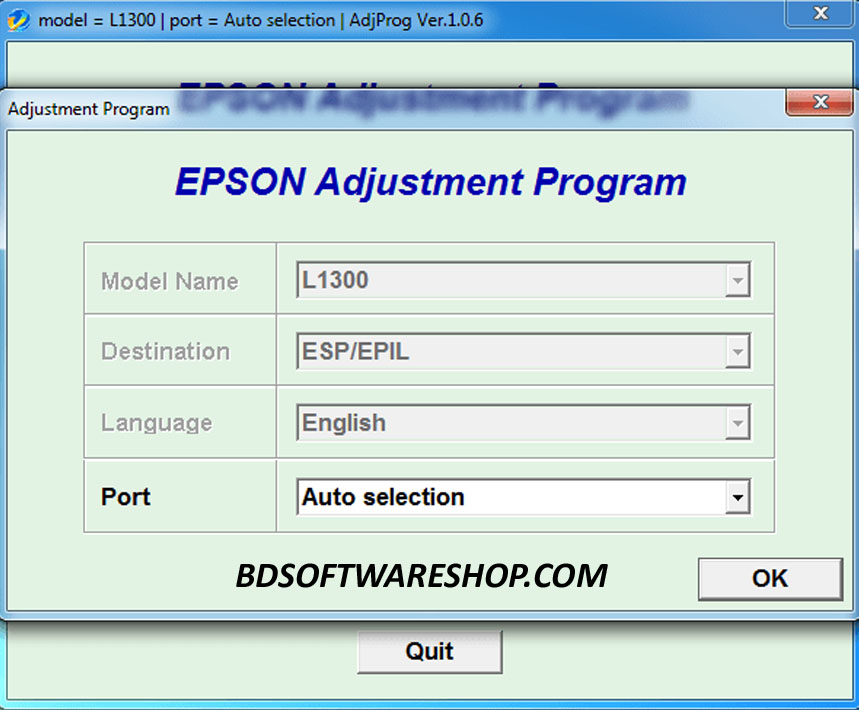
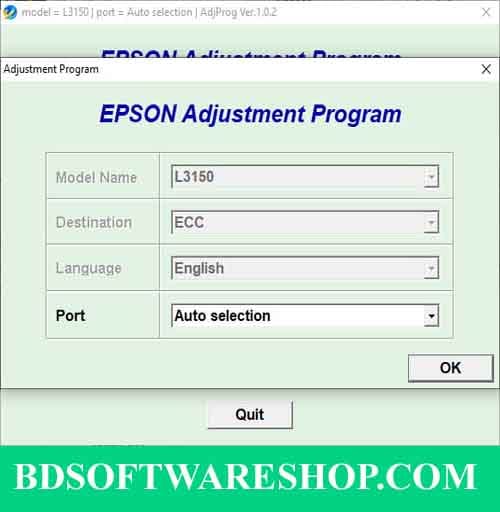
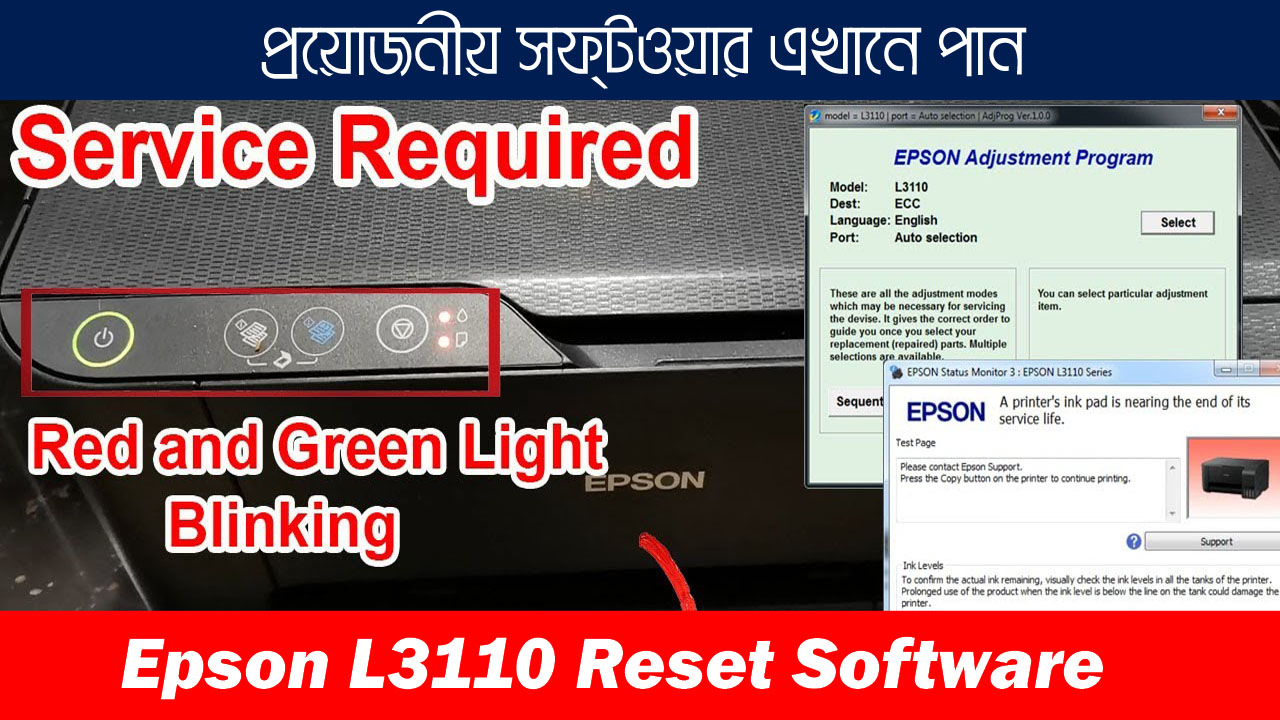
The Epson Resetter Adjustment Program is a specialized software tool designed to reset the Epson R220 and R230 printer models. If your printer is displaying errors such as “Service Required” or “Ink Pad Full”, this program helps restore it to working condition by resetting the waste ink counter.
🖨️ Epson Stylus Photo R230 Resetter Tool – Free Download & Complete Guide
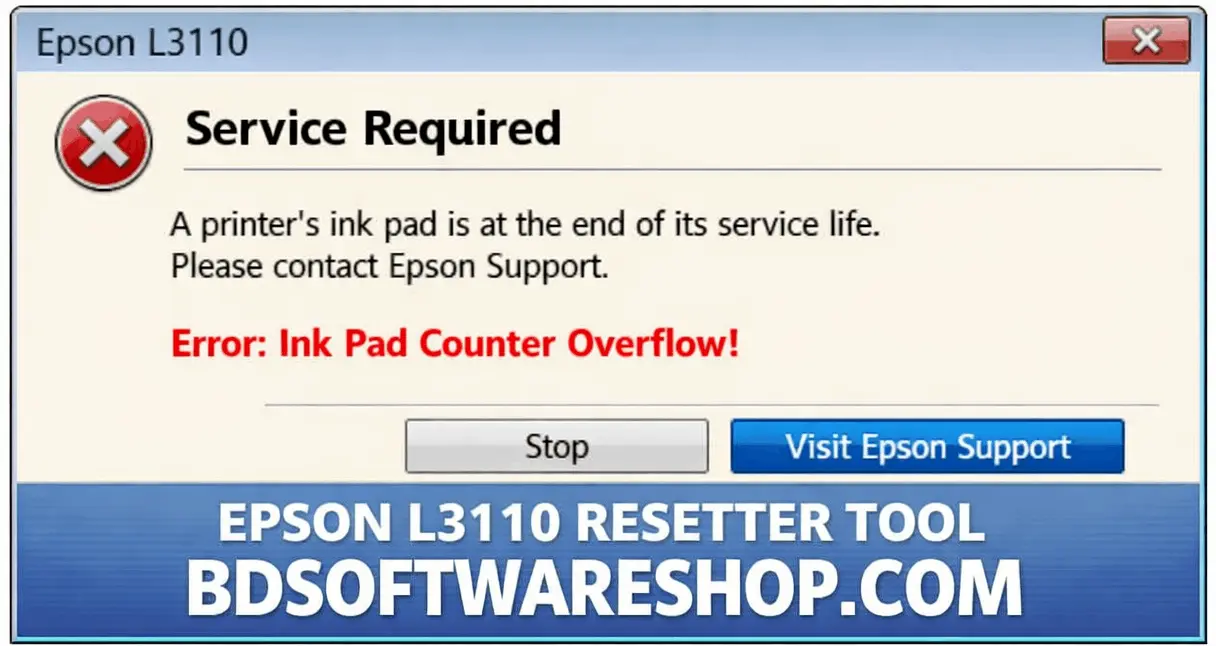
Is your Epson Stylus Photo R230 printer displaying a blinking red light or showing the error message: “A printer’s ink pad is at the end of its service life”? This indicates that the waste ink pad counter has reached its limit. The good news is that you can resolve this issue yourself using a reset tool.
⚠️ Understanding the Waste Ink Pad Counter Error
Epson printers, such as the R230, are equipped with internal waste ink pads that absorb excess ink during printing and cleaning cycles. Over time, these pads reach their capacity, prompting the printer to halt operations to prevent ink overflow. This is when you encounter the “Service Required” error.
🔧 How the Resetter Tool Helps
The resetter tool, also known as the Adjustment Program, resets the waste ink pad counter to zero, effectively tricking the printer into thinking the pads are new. This allows you to resume printing without needing to replace the physical ink pads immediately.
Key Features:
- Resets the waste ink pad counter
- Fixes “Service Required” error
- Compatible with Epson R220 and R230
- Easy-to-use one-click reset process
- Works on Windows operating systems
🛠️ Step-by-Step Guide to Reset Your Epson R230
Download: Obtain the resetter tool from the link provided above.
Extract: Unzip the downloaded file to a folder on your computer.
Run as Administrator: Right-click on
AdjProg.exeand select “Run as Administrator”.Select Model: In the program, choose your printer model (Epson R230) and the appropriate port.
Waste Ink Pad Counter: Navigate to the “Maintenance” section and select “Waste Ink Pad Counter”.
Check & Initialize: Click “Check” to view the current counter status, then click “Initialize” to reset.
Finish: Once the process completes, turn off your printer, wait a few seconds, and turn it back on.
Why Reset Your Printer?
Epson printers have an internal waste ink counter that, once full, prevents further printing to avoid overflow. Instead of replacing the ink pad manually, resetting the printer is a quick and cost-effective solution.

Download & Compatibility
Ensure you download the resetter tool from a trusted source to avoid malware or compatibility issues. This program works on Windows XP, Vista, 7, 8, 10, and 11.
Epson R220 R230 Ink Absorber Program (ESP) -This Epson R220 R230 ink absorber clearing program can clear the R220 R230 printer model 100%. Suppose you are experiencing problems with the printer’s ink absorber being full, the printer indicating that the ink absorber is full. In that case, the printer’s lights blinking alternately, or the printer not working, you can download this ink absorber clearing program to use.
সফটওয়্যারটি 100% কাজ করবে কারণ এটি টেস্ট করে তারপর আপলোড করা হয়েছে
সফটওয়্যারটি ডাউনলোড করতে নিচের ডাউনলোড বাটন এ ক্লিক করুন

#File information:
- File Name: Epson_Reseter_Software_R220_R230.Zip
- File Format: zip
- File Size: 684 kb
- Price: 150 BDT
File Password: এটি পাসওয়ার্ড দিয়ে সুরেক্ষিত অবস্থায় রয়েছে। পাসওয়ার্ডটির জন্য অবশ্যই আপনাকে প্রথমে পেমেন্ট করতে হবে তারপর আমাদেরকে কল দিতে হবে (Call- 01861624848)
#How to Payment For This File:
- Payment Gateway: Bkash / Nagad
- Account Number: 01861624848
- Payment Option: Send Money / Cash In
🛡️ Important Considerations
Physical Ink Pad Replacement: Resetting the counter doesn’t physically empty or replace the ink pads. If the pads are saturated, consider replacing or cleaning them to prevent ink leakage.
Regular Maintenance: Frequent resets without addressing the actual ink pad saturation can lead to printer damage.
Use Trusted Tools: Only use resetter tools from reputable sources to ensure software integrity and avoid potential security risks.
📌 Alternative Reset Solutions
If the above method doesn’t work or you’re seeking an alternative:
WIC Reset Utility: A versatile tool compatible with various Epson models, including the R230. It requires a reset key, which can be purchased online. More information is available here: WIC Reset Utility
SSC Service Utility: Another utility designed for Epson printers, offering functions like counter resets and EEPROM data backup.
Support Information
সফ্টওয়্যার টি যদি ইনস্টল দিতে কোন সমস্যা হয় তাহলে আমাদের সাথে যোগাযোগ করতে পারেন হোয়াটসঅ্যাপ কিংবা কলের মাধ্যমে।
এছাড়াও আমরা Anydesk কিংবা Ultraviewer এর মাধ্যমে সাপোর্ট দিয়ে থাকি যদি আপনি সফটওয়্যারটি ইন্সটল করতে ব্যর্থ হন।
- Call: +8801861624848 or +8801575080390
- Whatsapp Number: +8801861624848 or +8801575080390
- Imo: +8801861624848
Disclaimer:
This tool is not officially provided by Epson and should be used responsibly. Regular maintenance of your printer is recommended for long-term performance.
If you’re experiencing issues with your Epson R220 or R230, the Epson Resetter Adjustment Program is a simple and effective solution! 🚀