Official Driver Setup Guide for Toshiba e-Studio 2303AM & 2803AM
The Toshiba e-Studio 2303AM and 2803AM are widely used monochrome multifunction office printers designed for consistent performance in business environments. To ensure stable communication between your printer and Windows operating system, installing the correct printer driver is essential.
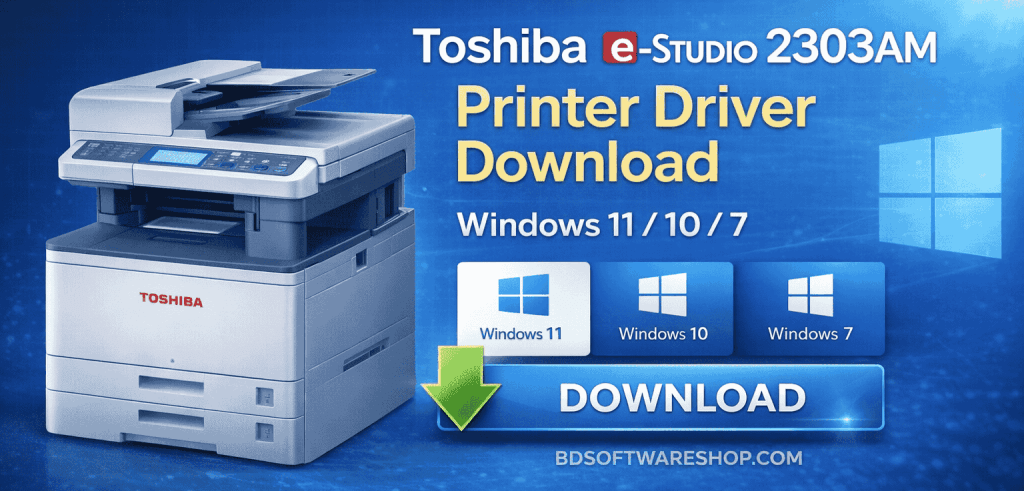
If your printer is not detected, showing offline status, or failing to print properly, the issue is usually related to missing or outdated drivers.
This page provides the latest compatible driver information along with a clear installation guide for Windows users.
ড্রাইভারটি দিয়ে আপনি সহজে কালার স্ক্যান এবং প্রিন্ট করতে পারবেন সরাসরি কম্পিউটার থেকে, এতে আপনার কাজের গতি আরো বৃদ্ধি পাবে। TOSHIBA e-STUDIO 2803AM Scanner & Printer Driver এবং TOSHIBA e-STUDIO 2303AM Scanner & Printer Driver দুইটি একই ড্রাইবার ২টি মডেলে সাপোর্ট করবে।
সফটওয়্যারটি 100% কাজ করবে কারণ এটি টেস্ট করে তারপর আপলোড করা হয়েছে
সফটওয়্যারটি ডাউনলোড করতে নিচের ডাউনলোড বাটন এ ক্লিক করুন

File information
- File Name: Toshiba_eStudio 2303AM or 2803AM.zip
- File Format: zip
- File Size: 345 MB
- Price: 150 BDT
- File Password: পাসওয়ার্ডটির জন্য অবশ্যই আপনাকে প্রথমে পেমেন্ট করতে হবে তারপর আমাদেরকে কল দিতে হবে (Call- 01861624848)
How to Payment For This File
- Payment Gateway: Bkash / Nagad
- Account Number: 01861624848
- Payment Option: Send Money / Cash In
Device & Driver Overview
- Models Covered: Toshiba e-Studio 2303AM / 2803AM
- Device Type: Multifunction Printer (Print / Scan / Copy)
- Supported Operating Systems:
- Windows 11
- Windows 10
- Windows 8 / 8.1
- Windows 7
- System Architecture: 32-bit and 64-bit
Installing the latest driver version improves compatibility, printing stability, and overall device responsiveness.
Why Installing the Correct Driver Matters
A printer driver acts as the communication layer between your computer and the printer hardware. Without a properly installed driver, you may experience:
- Printer not detected in Windows
- Print jobs stuck in queue
- Scanner function unavailable
- USB connection errors
- Slow or incomplete print output
Using the correct driver ensures reliable operation across supported Windows versions.
Compatibility Check Before Installation
Before downloading the driver, confirm your system type:
- Right-click on This PC
- Select Properties
- Check whether your system is 32-bit or 64-bit
Downloading the incorrect architecture version may result in installation failure.
How to Download the Toshiba 2303AM / 2803AM Driver
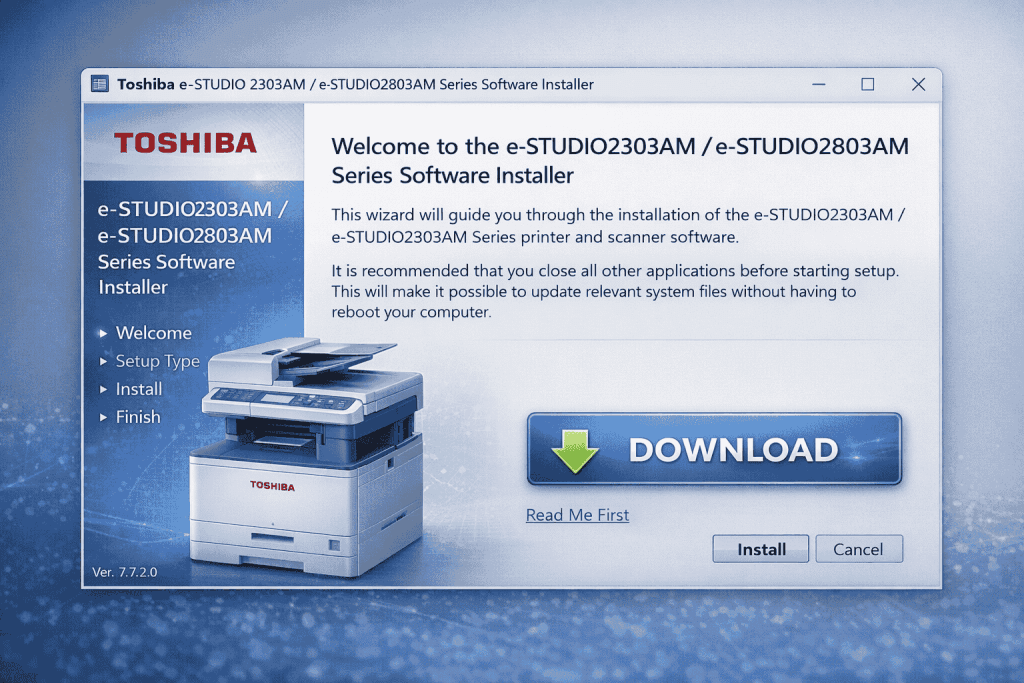
- Select the appropriate Windows version.
- Download the driver package.
- If the file is compressed (ZIP), extract it.
- Run the setup file to begin installation.
Ensure your internet connection is stable during download.
Step-by-Step Installation Instructions
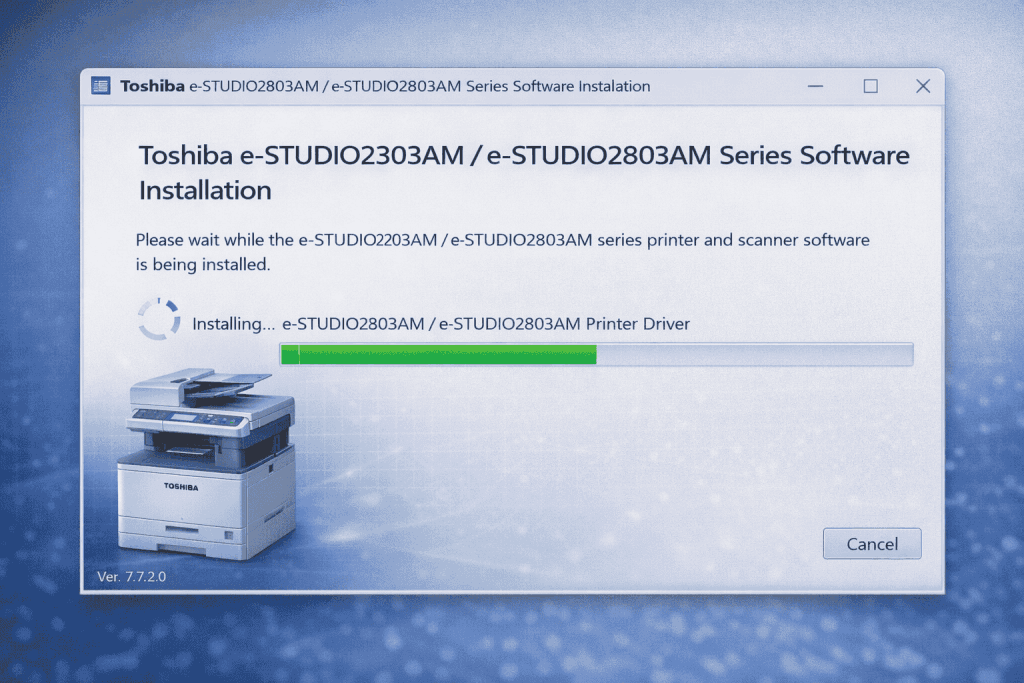
- Connect the printer to your computer using a USB cable.
- Open the downloaded driver setup file.
- Follow the on-screen instructions and click Install.
- Wait for the installation process to complete.
- Restart your computer if prompted.
After restarting:
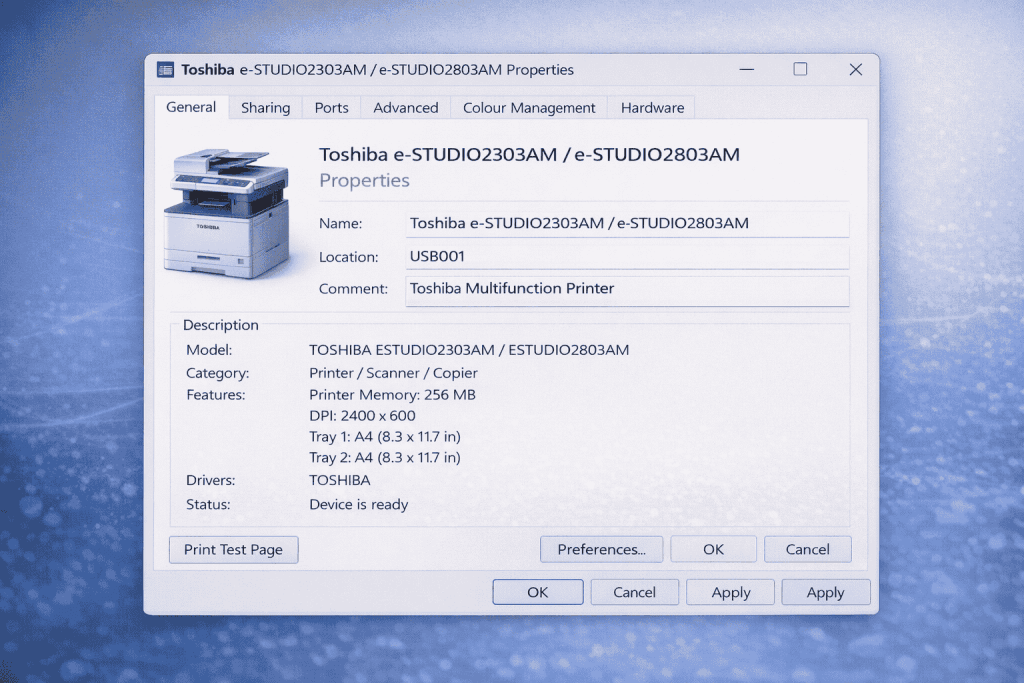
Go to Control Panel → Devices and Printers
Verify that the Toshiba printer appears in the list.
Troubleshooting Common Issues
Printer Not Detected
- Try a different USB port
- Restart the computer
- Uninstall previous driver versions before reinstalling
Installation Error
- Run the installer as Administrator
- Temporarily disable antivirus software
- Make sure Windows is updated
Scanner Not Working
- Install the full driver package
- Check Device Manager for hardware detection
- Ensure the USB cable is securely connected
Is the Driver Free?
The printer driver itself does not require a license fee for installation.
However, technical support services or professional installation assistance may involve service charges.
Professional Remote Installation Support
If you encounter difficulties during installation, remote technical support is available.
Support services include:
- Complete driver installation
- Printer configuration
- Scanner setup
- Error diagnosis and resolution
- Final performance verification
For assistance:
Phone / WhatsApp: +8801861624848
Website: bdsoftwareshop.com
(Service charges may apply.)
Final Recommendation
For optimal performance and compatibility, always install the latest Toshiba e-Studio 2303AM / 2803AM printer driver that matches your Windows version and system architecture.
Proper driver installation ensures stable printing, functional scanning, and uninterrupted office workflow.
Related Search Terms:
Support Information
- ড্রাইভারটি যদি ইনস্টল দিতে কোন সমস্যা হয় তাহলে আমাদের সাথে যোগাযোগ করতে পারেন হোয়াটসঅ্যাপ কিংবা কলের মাধ্যমে।
- এছাড়াও আমরা Teamviewer, Anydesk কিংবা Ultraviewer এর মাধ্যমে সাপোর্ট দিয়ে থাকি যদি আপনি সফটওয়্যারটি ইন্সটল করতে ব্যর্থ হন।
- Call: +8801861624848 or +8801575080390
- Whatsapp Number: +8801861624848 or +8801575080390